Instant Browser Access
No app download needed. Sign in from any desktop or mobile browser to reach the full Luckymate lobby, cashier, and live casino rooms.
Login at Luckymate in Australia: Reset Your Password
Access your account, pokies, live tables, and AUD balance from any browser — desktop or mobile.
Keep Your Account Secure
What You Should Do
What You Should Avoid
Your Account, Your Way
Instant Browser Access
No app download needed. Sign in from any desktop or mobile browser to reach the full Luckymate lobby, cashier, and live casino rooms.
TLS-Encrypted Sessions
Every login session runs over TLS encryption. The platform monitors for repeated failed attempts and device anomalies to protect your account.
Mobile-Ready Sign-In
The login page scales perfectly to iPhone and Android screens. Safari on iOS 15+ and Chrome on Android 10+ both load and authenticate smoothly.
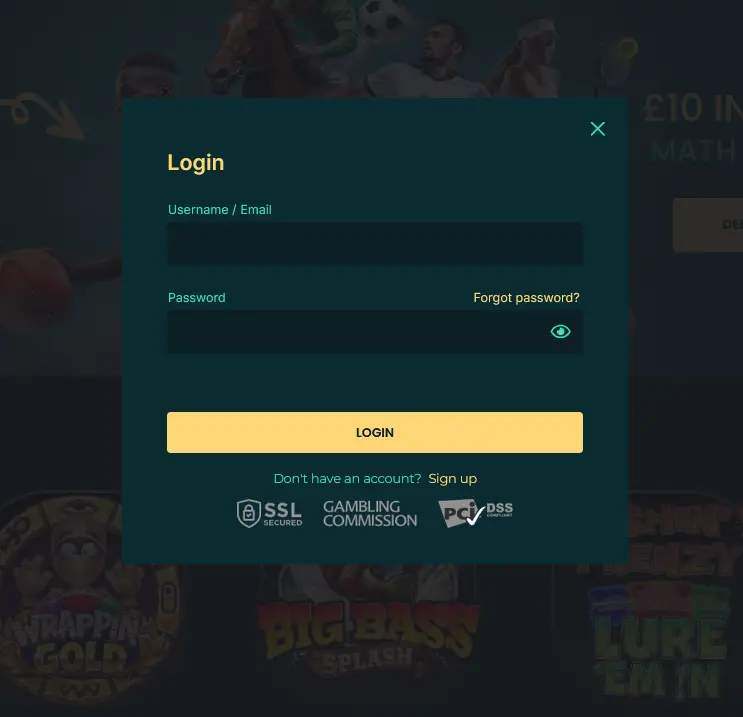
Luckymate uses a straightforward email-and-password authentication system. Enter the email address you registered with and your password, then click sign in. The session is established over TLS encryption, and the platform checks device data and login history to confirm the access is expected. Players can also log in using a registered username in place of an email address, depending on the details chosen at registration.
There is no dedicated native app for Luckymate, which means every login — whether on a desktop computer, an iPhone, or an Android phone — happens through the browser. This keeps the process consistent across devices and means there is nothing to update or reinstall.
Signing in to Luckymate is the same process on every device, with the browser doing the work.
Open your preferred desktop browser and navigate to luckymateplay.com. Click the login button in the top right corner of the homepage. Enter your registered email address and password in the fields provided and click sign in. The platform will authenticate your credentials and take you directly to the casino lobby. If you have a pending KYC verification or an active bonus, a notification will appear at the top of the lobby.
On an iPhone, open Safari and go to luckymateplay.com. On an Android device, use Chrome or your preferred browser and navigate to the same address. The mobile-optimised login page loads automatically. Tap the login button, enter your email and password, and tap sign in. The lobby scales to your screen size and all account features, including the cashier, live casino, and sportsbook, are fully accessible from the mobile browser.
Luckymate does not currently offer a native downloadable app through the App Store or Google Play. The recommended path on any phone is the mobile browser, which delivers the complete lobby and account experience without a download. For guidance on saving a shortcut to your home screen for faster access, see the app page.
Strong account security protects your AUD balance and personal details. The platform uses TLS encryption on every session and watches for repeated failed login attempts and unusual device or location patterns. If an access anomaly is detected, the account may be held pending a security review.
Beyond the platform-side controls, the simplest way to keep your account safe is to treat your password as you would a PIN — unique, not shared, and not saved on a device that others use. Completing KYC verification early also means your identity is confirmed before any withdrawal is requested, removing one potential source of delay when you want to cash out. If you spot any account activity you do not recognise, contact the support team immediately via live chat or at [email protected].
A handful of situations account for almost all login difficulties at Luckymate.
Forgotten password. Use the reset link on the sign-in page. A reset email is sent to your registered address, and following the link in that email lets you create a new password. Check your spam or junk folder if the email does not arrive within a few minutes.
Account locked. After a set number of failed login attempts, the platform temporarily locks access as a fraud-prevention measure. Contact support via live chat or email at [email protected] to have the lock reviewed and lifted.
Pending verification hold. If your account has an outstanding KYC verification requirement, access to deposits and withdrawals may be restricted until documents are submitted and reviewed. Upload your Australian passport or driver’s licence along with a recent utility bill or bank statement through the verification section in account settings.
Geolocation restriction. Access to Luckymate may be blocked in certain regions. If you believe your location is being incorrectly flagged, contact support with details of the device and network you are using.
Browser or cache issue. Clearing your browser’s cache and cookies, then reloading the login page, resolves most cases where the page fails to load or the sign-in button does not respond. Using an up-to-date version of Chrome, Safari, or Firefox is recommended.
If none of the above applies to your situation, reach out to the support team directly via live chat, which is available 24/7, or by emailing [email protected]. The team covers Australian time zones and typically responds to email within 24 hours. For anything bonus-related after signing in, see the full bonus terms.
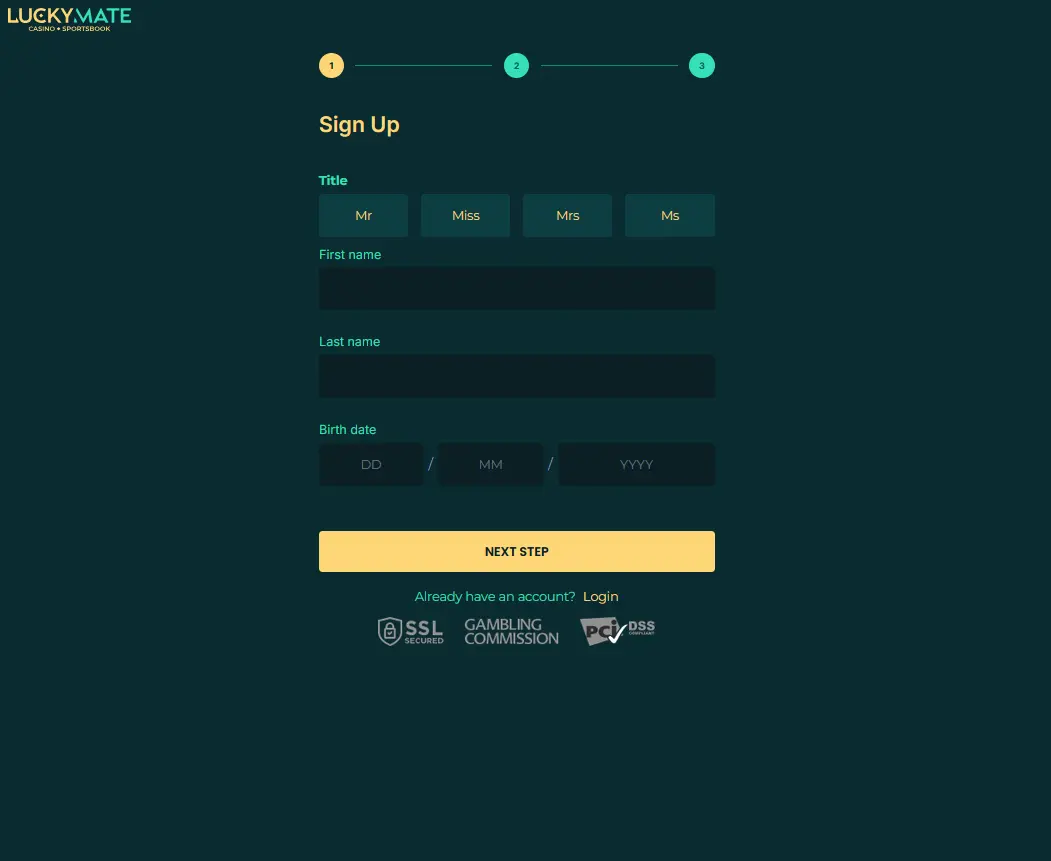
New players can register directly on the Luckymate homepage. The registration form asks for your email address, a password, and basic personal details including your date of birth and country of residence. Once you confirm your email, your account is active and ready for a first deposit. Registration takes under two minutes and gives you immediate access to the full game lobby and the four-deposit welcome package. Players must be 18 or over to register.
Login Questions Answered
Click the reset link on the sign-in page and a password-reset email will be sent to your registered address. Follow the link in that email to create a new password.
The platform locks accounts temporarily after repeated failed login attempts as a security measure. Contact support via live chat or email at [email protected] to unlock your account.
Yes. The full login page and casino lobby are accessible from any mobile browser — Safari on iOS 15 or above, or Chrome on Android 10 or above — without downloading anything.
Sign In and Start Playing
Grab 150% up to $4,000 and 150 free spins.
Enter the Casino Play should stay entertainment, not income. Open to players 18 and over only. Bonus offers carry their own terms.